BIM — Building Information Modeling — is the process of creating and managing an intelligent 3D digital model of a building that contains not just geometry, but real data: materials, costs, schedules, and systems. Every architect, engineer, contractor, and owner working from the same model, updated in real time. That is BIM in one sentence.
If you have heard "BIM" thrown around on a jobsite or in a project kickoff meeting and just nodded politely — this guide is for you. We are going to cover what BIM actually is, how it works, who uses it, the different levels and dimensions, the real benefits (with numbers), and what to watch out for when hiring BIM services.
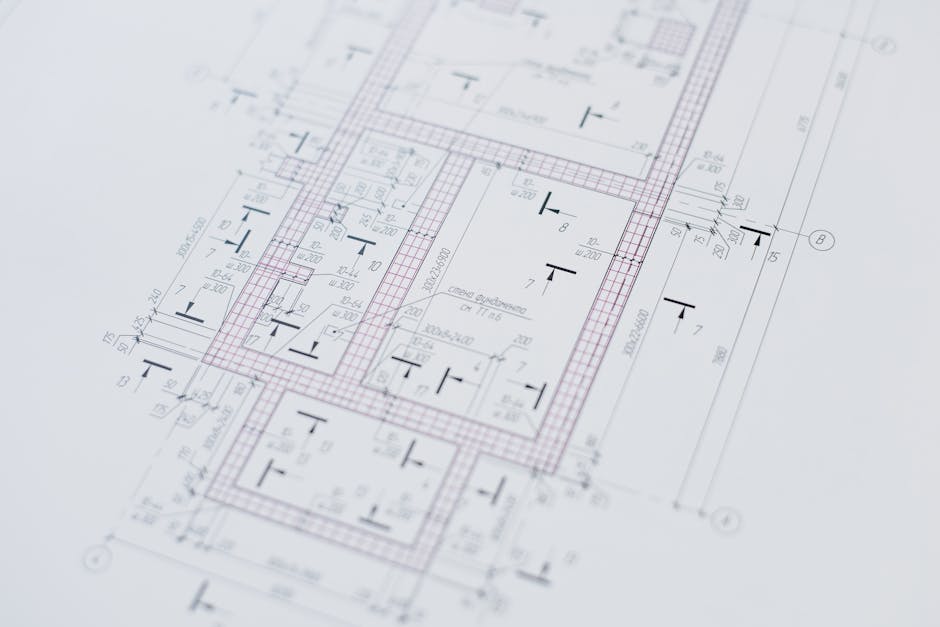 Photo by Ivan S on Pexels
What Is BIM? (The Longer Answer)
BIM stands for Building Information Modeling. It is a collaborative process — not a software program — in which every discipline involved in a construction project works from a single, shared 3D model that contains intelligent data about every element of the building.
Think of a traditional CAD drawing as a very detailed photograph of a building. It tells you what something looks like. A BIM model is more like an X-ray, a blueprint, a cost sheet, and a maintenance manual all merged into one living document — and every time you change one thing, everything else updates automatically.
Plannerly put it well: BIM is like a 3D Lego set, except every brick knows what it's made of, how much it costs, when it needs replacing, and what it connects to.
The key word in "Building Information Modeling" is the middle one. Information. The geometry is just the container. The data is the point.
If you want to see BIM coordination in action, read our complete guide to BIM coordination — and for how BIM connects to the physical site, see Trimble field layout explained.
BIM vs. Traditional CAD: What Is the Difference?
This question comes up constantly, and the answer matters.
CAD (Computer-Aided Design) produces 2D drawings — floor plans, elevations, sections — that describe a building. They are flat. They are dumb. Change the ceiling height on one sheet and you manually update it on every other sheet that references it. CAD is digital drafting. It is faster than a pencil but fundamentally the same idea.
BIM produces a 3D model where elements are intelligent objects. A wall in BIM knows it is a wall. It knows its fire rating, its acoustic properties, its material, its cost per linear foot. Change the ceiling height in a BIM model and every related element — walls, doors, ductwork clearances, room schedules — updates across the entire model automatically.
| CAD | BIM | |
|---|---|---|
| Geometry | 2D lines | 3D intelligent objects |
| Data | None | Materials, cost, schedule, specs |
| Coordination | Manual | Automated clash detection |
| Updates | Manual, by sheet | Model-wide, automatic |
| Collaboration | Files emailed around | Shared live model |
The short version: CAD tells you what a building looks like. BIM tells you everything about it.
BIM Objects: The Building Blocks of BIM
Every element in a BIM model — a beam, a door, a duct, a light fixture — is a BIM object. Unlike a CAD line, a BIM object is intelligent. It has:
- Geometry — its shape in 3D space
- Data — manufacturer, material, specification, cost, warranty period
- Behavior — a door knows how to swing; a wall knows it connects to a floor and a ceiling
When you place a 36" hollow metal door in a BIM model, you are not drawing a rectangle. You are inserting an object that contains the door's size, fire rating, hardware spec, and installation cost. Change the door size and the wall opening updates automatically. The door schedule on sheet A-4 updates automatically. The cost estimate updates automatically.
That chain reaction is what makes BIM powerful — and what makes traditional document coordination look like archaeology.
The "I" in BIM: Information Is the Whole Point
Here is what most people miss about BIM: the geometry is almost secondary.
The reason owners are mandating BIM on major projects is not because they want a pretty 3D model. It is because a properly built BIM model is a database. After construction, that model becomes a facility management tool — every piece of equipment in the building is tagged with its maintenance schedule, warranty, supplier contact, and replacement cost.
This is what the industry calls BIM data management: maintaining the integrity of model data so it remains accurate and useful through the building's entire lifecycle. A hospital built with full BIM data management can pull up any mechanical unit, see when it was last serviced, when the warranty expires, and what parts it takes — from a tablet, standing in the mechanical room.
That is the "I." That is why BIM exists.
How Is BIM Information Shared?
All that data is useless if it lives in one person's laptop. BIM is built around a Common Data Environment (CDE) — a shared, cloud-accessible platform where all disciplines access, update, and coordinate the same model.
Think of the CDE as a Google Drive for the building. Every architect, structural engineer, MEP contractor, and owner representative is working from the same source of truth, not emailing increasingly confusingly-named files back and forth. ("Final_v3_ACTUALLY_FINAL_USE_THIS_ONE.rvt" is not a workflow.)
The CDE is what enables real-time coordination, clash detection, and the kind of transparency that owners love and general contractors depend on.
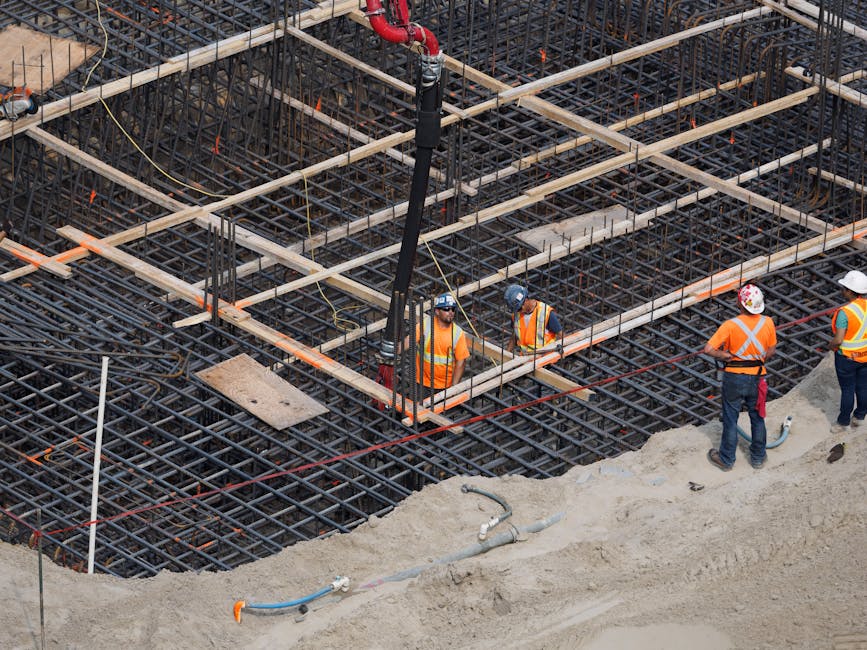 Photo by IslandHopper X on Pexels
BIM Levels Explained: From 0 to 3
The construction industry uses BIM maturity levels (0 through 3) to describe how collaboratively a team is working.
Level 0 BIM — No Collaboration
Paper-based or 2D CAD drawings. Each discipline works independently. Documents are exchanged as printed sets or flat PDFs. Zero shared model. Still very common, unfortunately.
Level 1 BIM — Partial Use
Some 3D modeling but no cross-discipline sharing. Each team keeps their own files. 2D drawings are still the primary contract documents. The model is used internally, not collaboratively.
Level 2 BIM — Federated Models
Each discipline (architecture, structure, MEP) creates their own 3D model, and these are federated — combined into a single view for coordination and clash detection. This is the standard most sophisticated projects operate at. The UK government mandated Level 2 minimum on all public projects in 2016.
Level 3 BIM — Fully Integrated
A single, shared model that all disciplines work in simultaneously via a CDE. Fully integrated, real-time, with complete data management. Level 3 is the industry's target state — still being rolled out broadly.
BIM Dimensions: When 3D Is Not Enough
Here is where BIM gets ambitious. The industry has extended BIM beyond geometry into what are called dimensions — each one adding a layer of information to the model.
- 3D BIM — Geometry. The model in space.
- 4D BIM — Time. Construction sequencing and scheduling layered onto the model. Watch a building go up virtually before anyone breaks ground.
- 5D BIM — Cost. Every model element linked to cost data, enabling live quantity take-off and budget tracking as design changes.
- 6D BIM — Lifecycle and sustainability. Energy performance analysis, carbon tracking, and operational data for facility management after handover.
- 7D BIM — Asset management. Full operational data for every installed system — maintenance schedules, warranties, performance benchmarks — embedded in the model.
Most projects today operate at 3D and 4D. 5D is growing fast. 6D and 7D are where the real long-term value lives — and where owners who care about lifecycle costs are increasingly investing.
Who Uses BIM?
Short answer: everyone involved in a building project, in different ways.
- Architects use BIM to design, document, and coordinate with structure and MEP
- Structural engineers model framing systems, foundations, and connections
- MEP engineers and contractors route ductwork, pipe, conduit, and equipment through shared ceiling space
- General contractors use BIM for scheduling (4D), cost control (5D), and site logistics
- Owners and developers use BIM for design review, approval workflows, and post-occupancy facility management
- Specialty subcontractors use BIM-derived shop drawings and prefabrication data
The BIM global market was valued at $8.7 billion in 2023 and is projected to grow at a CAGR of 15.6% through 2028 (SelectHub). BuildingSMART International — the global body behind open BIM standards — tracks adoption across 40+ countries. That is not a niche. That is the entire industry moving in one direction.
 Photo by Stephen Andrews on Pexels
The Real Benefits of BIM (With Numbers)
Benefits lists are everywhere. Here are the ones that actually show up on project budgets:
Fewer clashes in the field. Automated clash detection catches conflicts between systems before a crew ever shows up. Projects using full MEP coordination through BIM report 50–90% fewer field clashes than those without it.
Reduced RFIs and change orders. When the model is coordinated before construction starts, the surprises that generate RFIs largely disappear. Fewer RFIs means fewer delays means lower GC overhead.
Faster prefabrication. BIM-accurate shop drawings go directly to fabricators. Prefabricated assemblies that are built to a coordinated model fit the first time.
Better cost control. 5D BIM links every element to cost data. When a design change is made, the estimate updates in real time — no waiting two weeks for the quantity surveyor to run a manual take-off.
Smarter facility management. The building you hand over is also a database. Maintenance teams spend less time hunting for equipment specs and more time running the building.
BIM Services: What You Can Actually Hire Someone to Do
BIM is a process, but it is delivered through specific, concrete services. Here is what that looks like in practice:
BIM Modeling Services — Creating the 3D models themselves: architectural, structural, or MEP. The foundation of any BIM engagement.
Architectural BIM Services — The architectural model: walls, floors, ceilings, doors, windows, finishes. The spatial framework everything else coordinates within.
Structural BIM Services — Columns, beams, slabs, foundations, connections. Essential for prefabrication and pre-planned slab penetrations.
MEP BIM Coordination Services — The most conflict-prone layer. Mechanical, electrical, and plumbing systems routed and coordinated in a shared model, with automated clash detection resolving conflicts before material is ordered.
Revit BIM Services — BIM modeling using Autodesk Revit, the dominant platform in the US market. Most coordination workflows assume Revit-native files.
CAD to BIM Services — Converting existing 2D CAD drawings into intelligent 3D BIM models for renovation projects or legacy building documentation.
Point Cloud to BIM Services — Laser scanning an existing building to capture as-built geometry, then modeling that scan into a usable BIM model. Increasingly common for renovations and historic preservation.
BIM Outsourcing Services — Engaging an external team for model production, coordination, or BIM management when in-house capacity is limited or a specialty scope falls outside your team's expertise.
BIM Consulting Services — Strategic guidance: BIM execution planning, LOD standards, model auditing, and owner representation. A BIM consultant acts as the technical authority on BIM requirements without doing the modeling themselves.
Watch Out for "BIM Wash"
Here is a topic most guides skip, but it matters: BIM wash.
BIM wash is what happens when a firm claims to deliver BIM services but is actually just producing 3D CAD models with no real data, no coordination, and no interoperability. The model looks impressive in a presentation. It is useless for coordination, prefabrication, or facility management.
Signs of BIM wash:
- A "BIM model" delivered as a static PDF or image rather than a live file
- Models that cannot be opened in standard BIM viewers
- No clash detection reports as a deliverable
- No data attached to model elements — just geometry
Ask for IFC exports, Navisworks clash reports, and a defined Level of Development (LOD) before engaging any BIM services vendor. Those are the signs of a real BIM workflow.
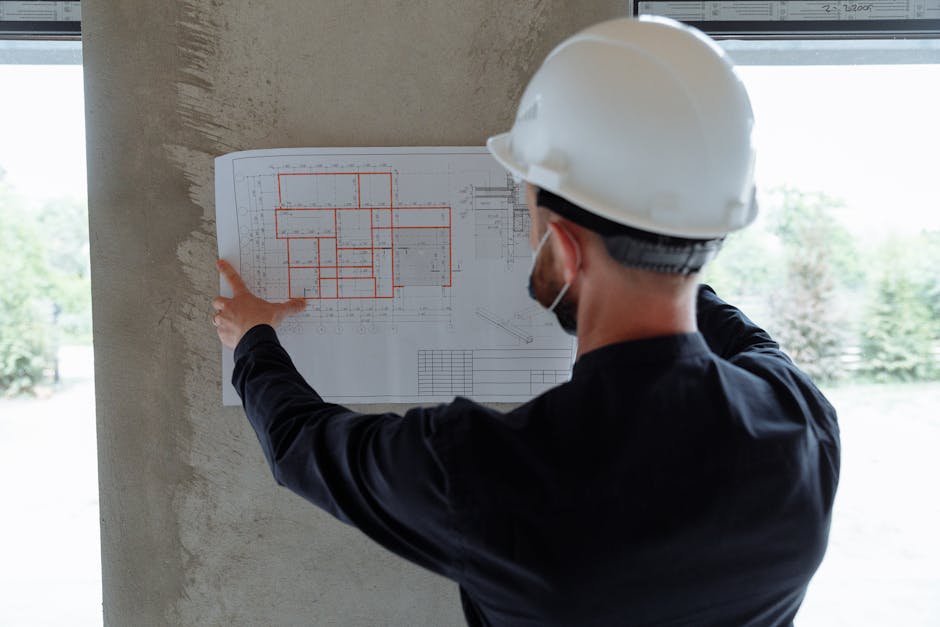 Photo by Thirdman on Pexels
Bringing BIM to the Jobsite with Field Technology
Most guides stop at the model. The model, however, is only valuable if it accurately represents what gets built. That connection — from model to field — is where tools like Trimble Field Link come in.
Trimble Field Link uses a robotic total station to take points directly from the coordinated BIM model and locate them on the physical slab with sub-millimeter accuracy. Anchor bolt layouts, partition intersections, MEP sleeve locations — marked directly from the model, without tape measures, without accumulated error.
Trimble field points eliminate the gap between what the BIM model shows and what the field crew actually builds. Prefabricated assemblies designed to the model fit perfectly on site because the site was laid out from the model.
This is the part most BIM conversations miss: BIM is not just a design and coordination tool. It extends all the way to the physical construction of the building — if you have the right field technology partner.
The Future of BIM
BIM is not going away. It is getting deeper.
Digital twins — live, continuously updated BIM models connected to sensor data from the operating building — are already deployed on major infrastructure projects. The model does not just represent the building as designed; it represents the building as it exists right now, performance and all.
AI and automation are reducing the manual work in clash detection, code checking, and model quality control. What used to take a coordinator hours is increasingly done in minutes by automated tools.
Mandates are spreading. The UK, Germany, Singapore, and dozens of other governments already require BIM on public projects above certain thresholds. The National Institute of Building Sciences (NIBS) continues to advance BIM adoption standards in the US. The US is moving in the same direction at the federal and state level.
If you are in the AEC industry and you are not building BIM capability — either in-house or through a BIM services partner — now is the time to start.
Frequently Asked Questions About BIM
What does BIM stand for? BIM stands for Building Information Modeling (sometimes also called Building Information Management). The acronym covers both the process and the output.
Is BIM software or a process? BIM is a process. Revit, Navisworks, ArchiCAD, and Bentley are software tools used to execute BIM workflows — but buying the software does not mean you are doing BIM. The collaborative data management process is what defines it.
What is the difference between BIM and 3D CAD? 3D CAD produces geometry — shapes in space with no attached data and no intelligence. BIM produces intelligent objects: every element carries data (material, cost, spec, lifecycle info) and updates automatically when changes are made. The difference is not the visual output; it is what the model knows.
Who uses BIM? Architects, structural engineers, MEP engineers, general contractors, specialty subcontractors, owners, developers, and facility managers. Every stakeholder in the building lifecycle has a BIM use case.
What are BIM levels? BIM maturity levels (0–3) describe how collaboratively a team is working. Level 0 is paper-based. Level 1 uses some 3D but no sharing. Level 2 uses federated models across disciplines. Level 3 uses a single shared model — the industry's target state.
What is a BIM object? A BIM object is any element in a BIM model: a wall, a beam, a door, a duct. Unlike a CAD line, a BIM object is intelligent — it carries data (type, material, cost, spec) and behaves logically within the model.
What is BIM used for in construction? BIM is used for design coordination, clash detection, construction sequencing (4D), cost estimation (5D), prefabrication shop drawings, Trimble field layout, and post-construction facility management. It is involved in nearly every phase of a modern construction project.
Is BIM worth the investment? For any project above a modest size: yes. Projects using BIM coordination consistently report fewer RFIs, fewer change orders, faster schedules, and lower total project costs. The upfront investment in BIM services is almost always recouped through reduced field rework alone.
Work With a BIM Team That Delivers the Whole Process
BIMFront provides BIM modeling services, MEP coordination, structural BIM, Revit services, CAD to BIM conversion, point cloud to BIM, Trimble field layout, and BIM consulting — across every phase of your project.
If you are planning a project and want to understand what a BIM engagement would look like for your scope, reach out to the BIMFront team. We will give you a clear picture of what is involved, what it costs, and what you get.
